V2 time-savers — what Seedr does so you don't wait

The shortest version: paste a link, Seedr's servers download it, and the file shows up in your cloud. You don't wait at a progress bar, you don't babysit a transfer, and you don't need to be on the same device you started from.
This is a roundup of the V2 features that actually save you time — not a feature list.
Why we built it this way
Two problems cost users the most time:
- Waiting on a local download. Big files tie up your laptop's bandwidth, pause when the Wi-Fi blips, and restart when you close the lid.
- Chasing the file across devices. You download on your laptop, then want to watch on your phone. Now you're syncing, emailing, or plugging in a cable.
Seedr V2 solves both by doing the transfer server-side and serving the result from any browser.
What V2 does to save you time
Server-side transfers
You paste a download link or a regular webpage URL into the V2 Link input. Seedr's servers pull the file. You can close the browser, lock your laptop, or walk away from Wi-Fi entirely — the job continues.
Before V2: a 30 GB raw camera dump on a flaky hotel connection meant restarting the download three times. After V2: you paste the link, close the tab, and check your phone an hour later.
Access from any device
Seedr V2 runs in the browser and as a PWA. The same files appear on:
- Your desktop browser (Chrome, Firefox, Safari, Edge).
- Your phone as a PWA or in a mobile browser.
- A tablet for couch-watching.
- A TV through the V2 Chromecast and AirPlay integrations.
No syncing app. No USB transfer. The cloud is the source of truth.
Webpage link scanning
Paste a file-host page URL into the Link field. V2 scans the page, finds the actual download URLs, and shows them in a popup. You pick which ones you want.
This replaces the old routine: open page, find the right button, dismiss the ads, wait for the countdown, hope it's the right file.
Tasks page, not search-and-scroll
V2's Tasks tab is one screen with every active and recent transfer, with progress, speed, and ETA. You pause, resume, or cancel from the same view. V1 scattered this across the interface; V2 consolidates it.
Built-in viewing — no download step
Once a file lands, you open it in the browser:
- Video and audio in the V2 player (with 4K, subtitles, speed control).
- PDFs in the built-in reader and annotator.
- Images in the gallery viewer.
- Text and code files inline.
- HEIC/HEIF photos converted on the fly — no desktop app needed.
You save the download step because there's nothing to download.
PWA and share-to-Seedr
Install Seedr as a PWA and it registers in your phone's share menu. Long-press a download link in your browser, tap Share, pick Seedr. The download starts; you carry on.
Mount as a drive (WebDAV, FTP, SFTP)
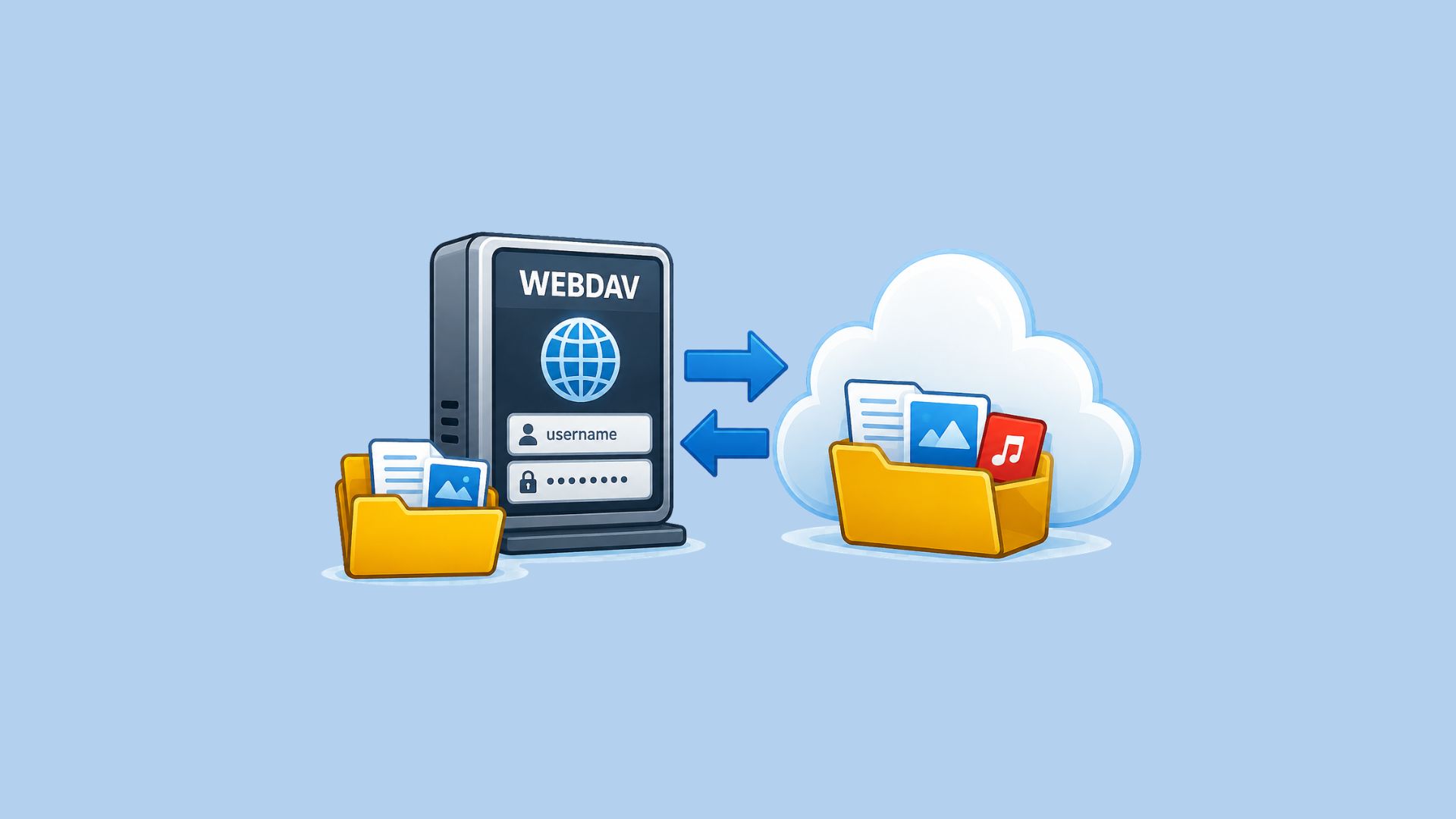
If you'd rather treat Seedr as a drive, it exposes WebDAV, FTP, and SFTP mount points. If you run a personal media server for home videos, photos, and recordings, If you run a personal media server for home videos, photos, and recordings, Plex, Jellyfin, Infuse, and regular file managers can all connect. You save the "copy file out to use it elsewhere" step entirely.
How to get started today
- Sign up or log in at seedr.cc.
- Open V2 from your account.
- Paste a link into the Link input. Or install the PWA first and share a link into Seedr from your phone.
- Close the tab. Check back later.
Everything else is optional — WebDAV, extensions, Chromecast. Start with paste-and-go.
Roadmap
A few things still on the way:
- Offline mode in V2 is in preview — downloaded files available without a connection.
- Smart Search (content-based) is planned; today search is filename-based.
- Activity log — a running log of account actions is rolling out alongside V2.
We call out what's live versus what's pending because the platform has a long roadmap and not everything is shipped.
Wrap
Time saved in V2 is the time you didn't spend waiting at a progress bar, switching devices, or chasing a file through three apps. Paste, walk away, pick up where you want.
Was this article helpful?
Related Articles
Mount your NAS in Seedr with the Seedr Connector
Install the Seedr Connector on your NAS and mount chosen folders in Seedr over one outgoing connection. No port forwarding, no public IP.

Which protocol should your NAS use with Seedr?
Compare FTP, FTPS, SFTP and WebDAV for NAS cloud storage: speed, security, resumable transfers and firewall setup, with the pick for each use case.
Mount Seedr on your NAS (WebDAV, SFTP, FTPS)
Sync, back up or mount Seedr on Synology, QNAP, TrueNAS SCALE or Unraid over WebDAV, SFTP or FTPS. Endpoints, app password and step-by-step setup.