The new Seedr Android app: your library on your phone and your TV
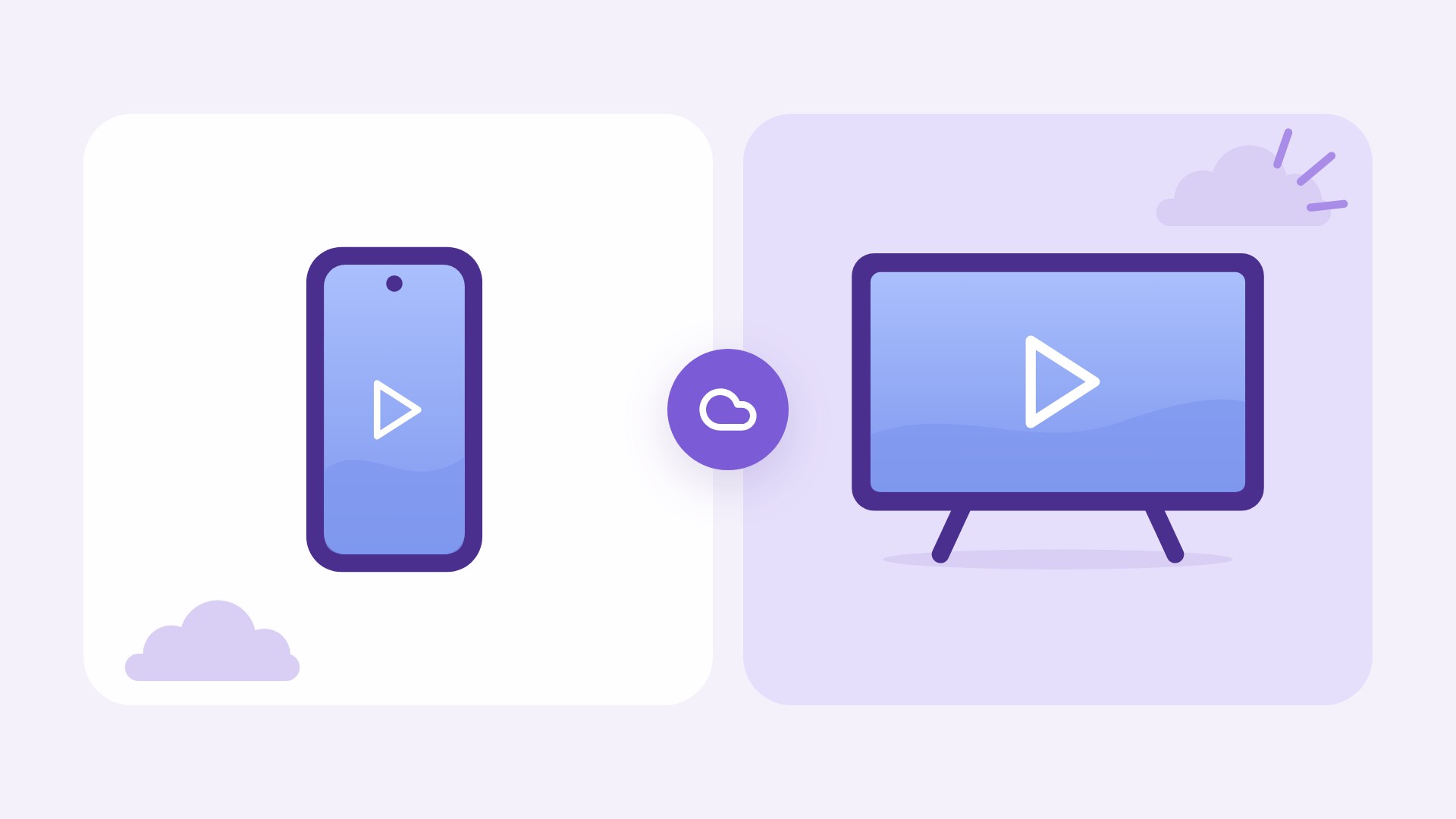
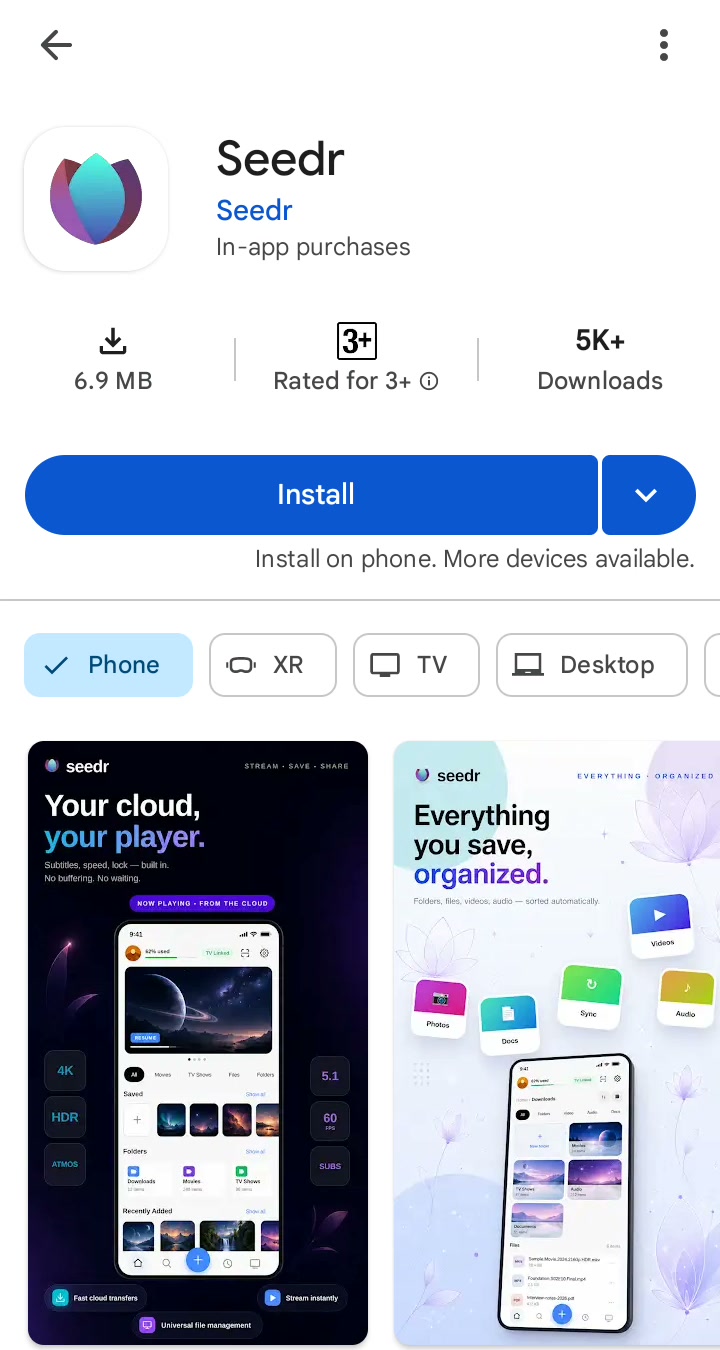
The Seedr Android app just got a big upgrade. It's the Seedr V2 you know from the browser, with a redesigned, colorful interface, and it runs on Android phones and TVs, including Google TV.
On your phone
Add download links the same ways you do in Seedr V2, and Seedr fetches the files on its servers into your cloud library. Then open them in the built-in media player without leaving the app.
It's the same library you see in your browser, so whatever you add in the app is there on your laptop too, and the other way round. Your plan carries over as well: what you get on the web, you get in the app.
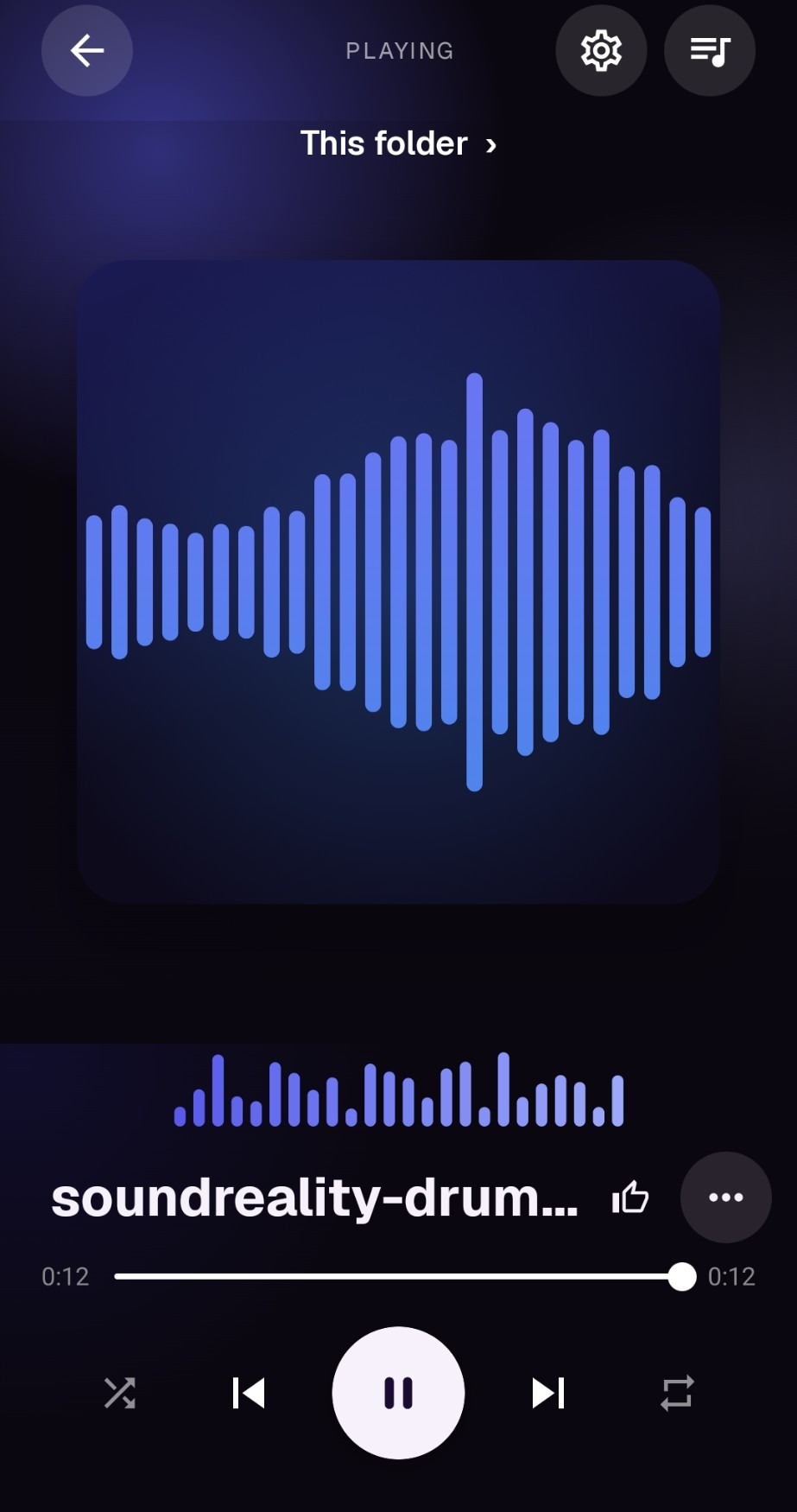
Audio gets its own player
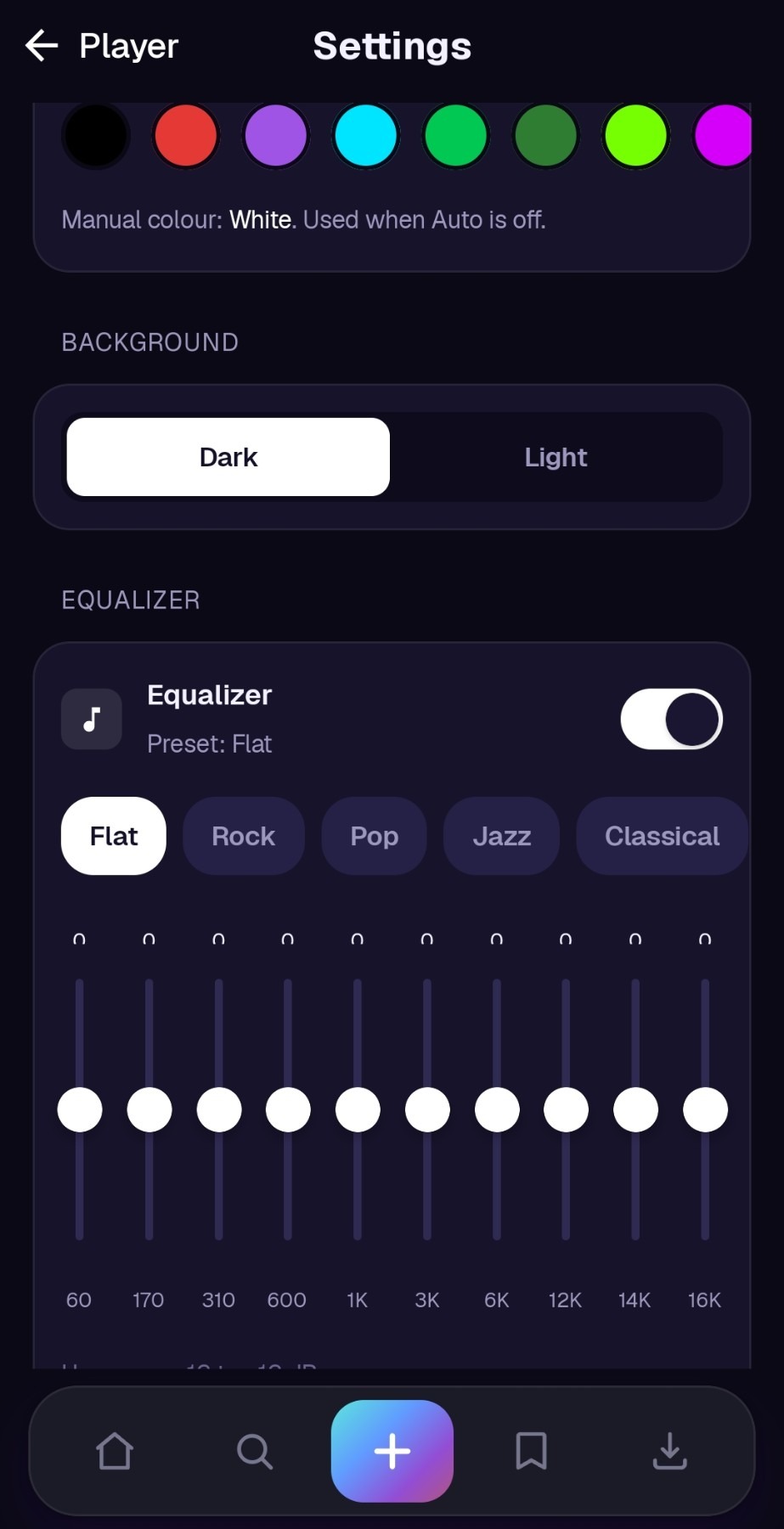
Audio files open in a player built for listening. Pick a theme (Spectrum, Neon Wave, Immersive or Aurora), let the accent color follow each file's cover art, and choose a dark or light background.
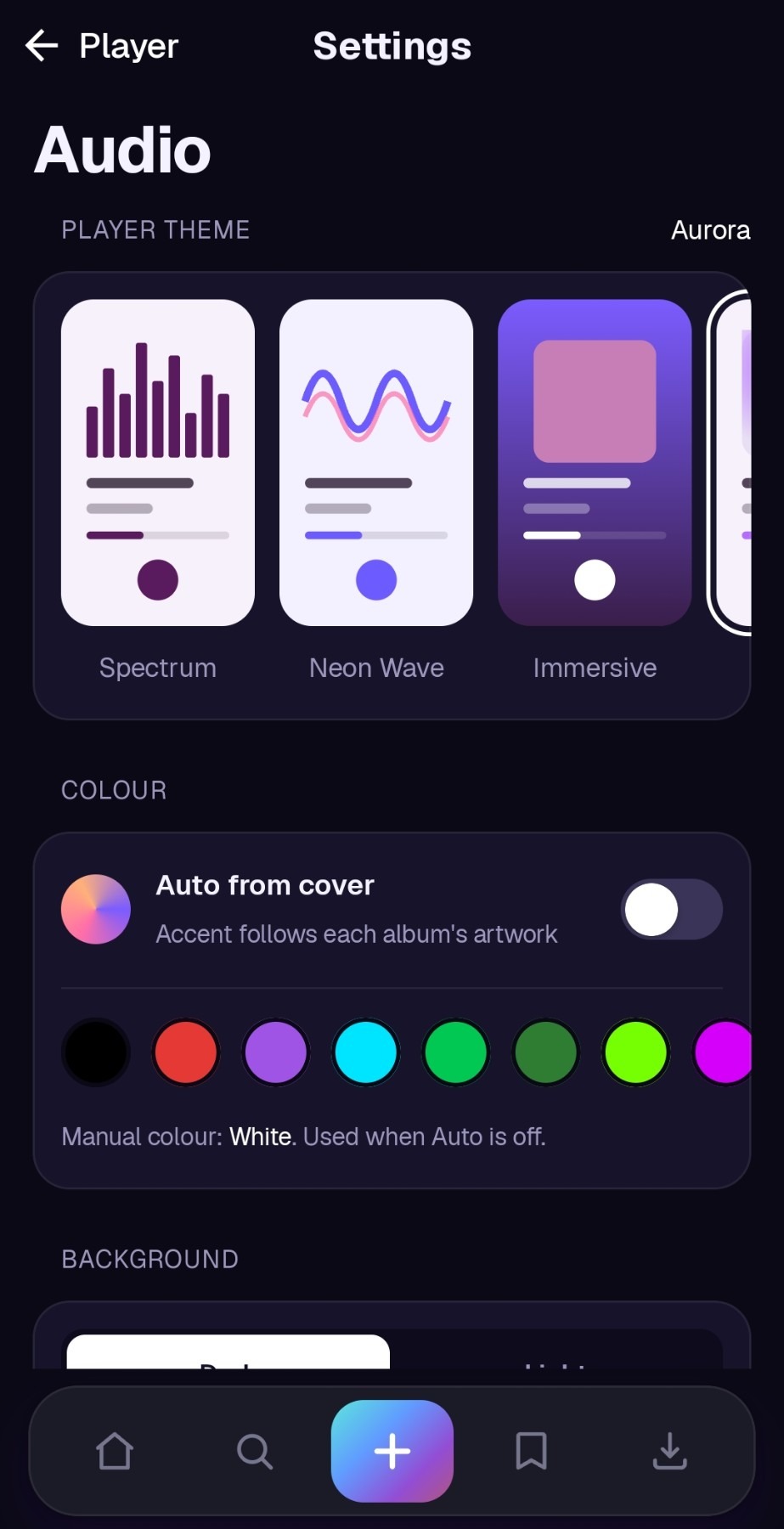
Under the hood there's a 10-band equalizer with presets, bass boost, virtualizer and loudness controls, a default playback speed from 0.5x to 2x, and a sleep timer that can stop at the end of a track.
On your TV
The app also runs on the TV itself. Your videos play on the TV directly, so you don't have to cast them from another device.
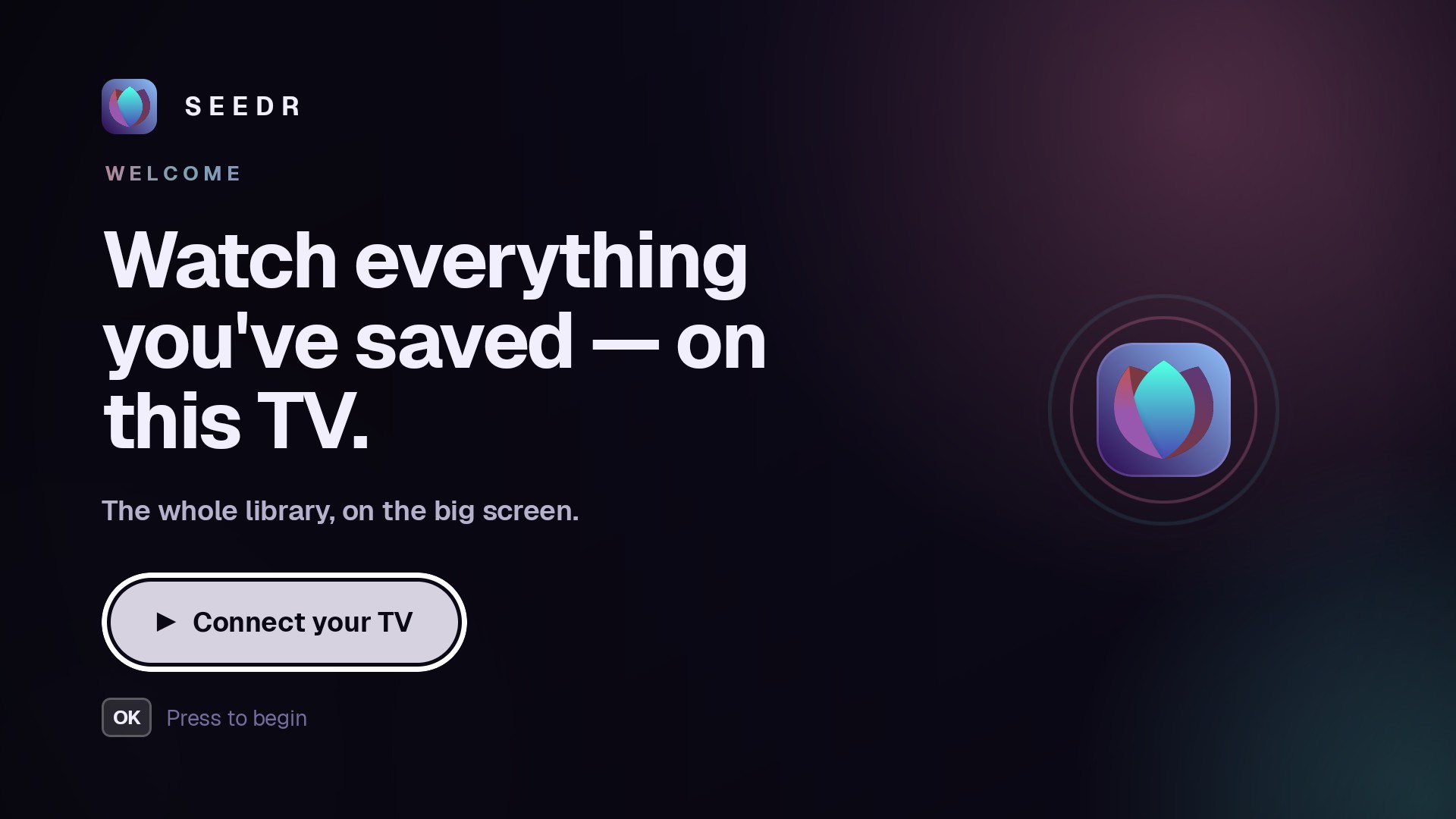
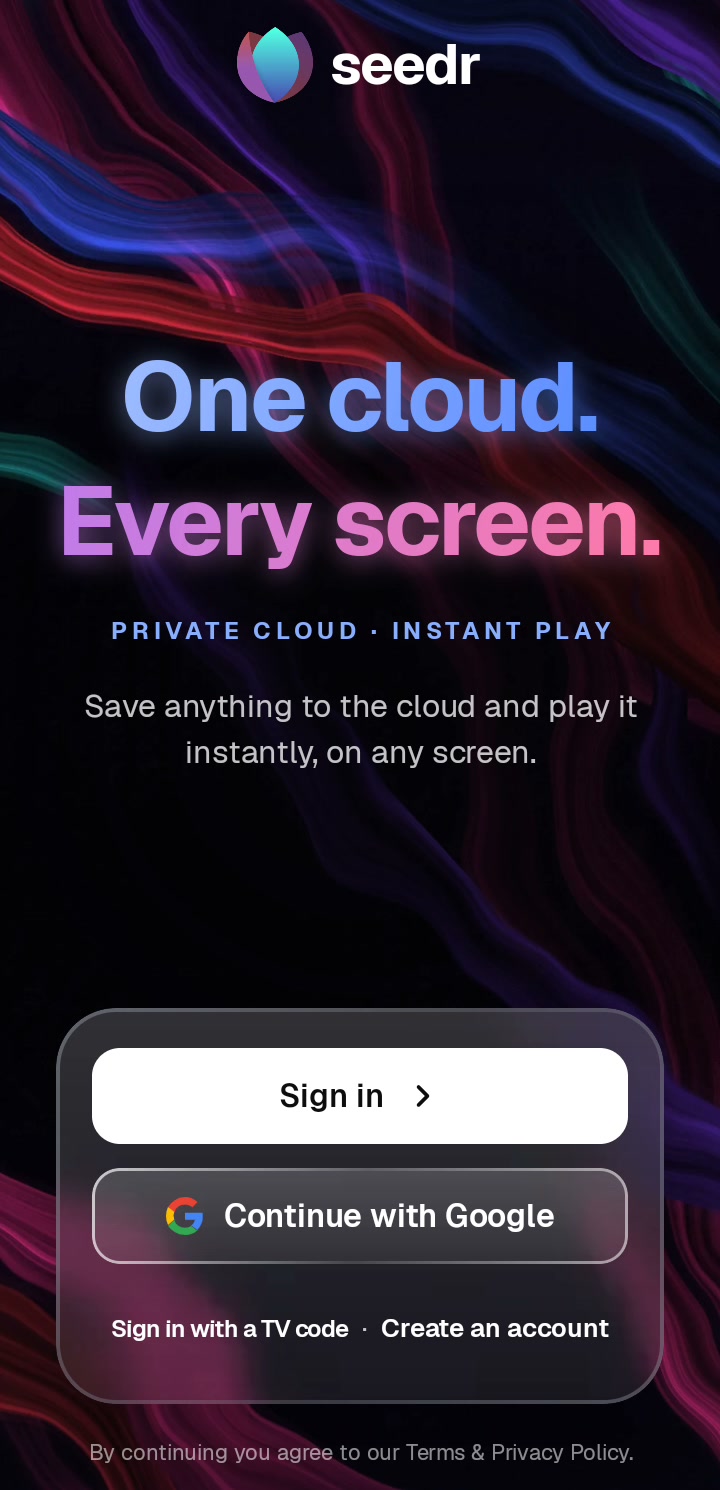
Signing in takes a phone, not a remote. Open Seedr on the TV and scan the QR code with your phone, or open the link shown on screen and enter the code. No spelling out a password with arrow keys.
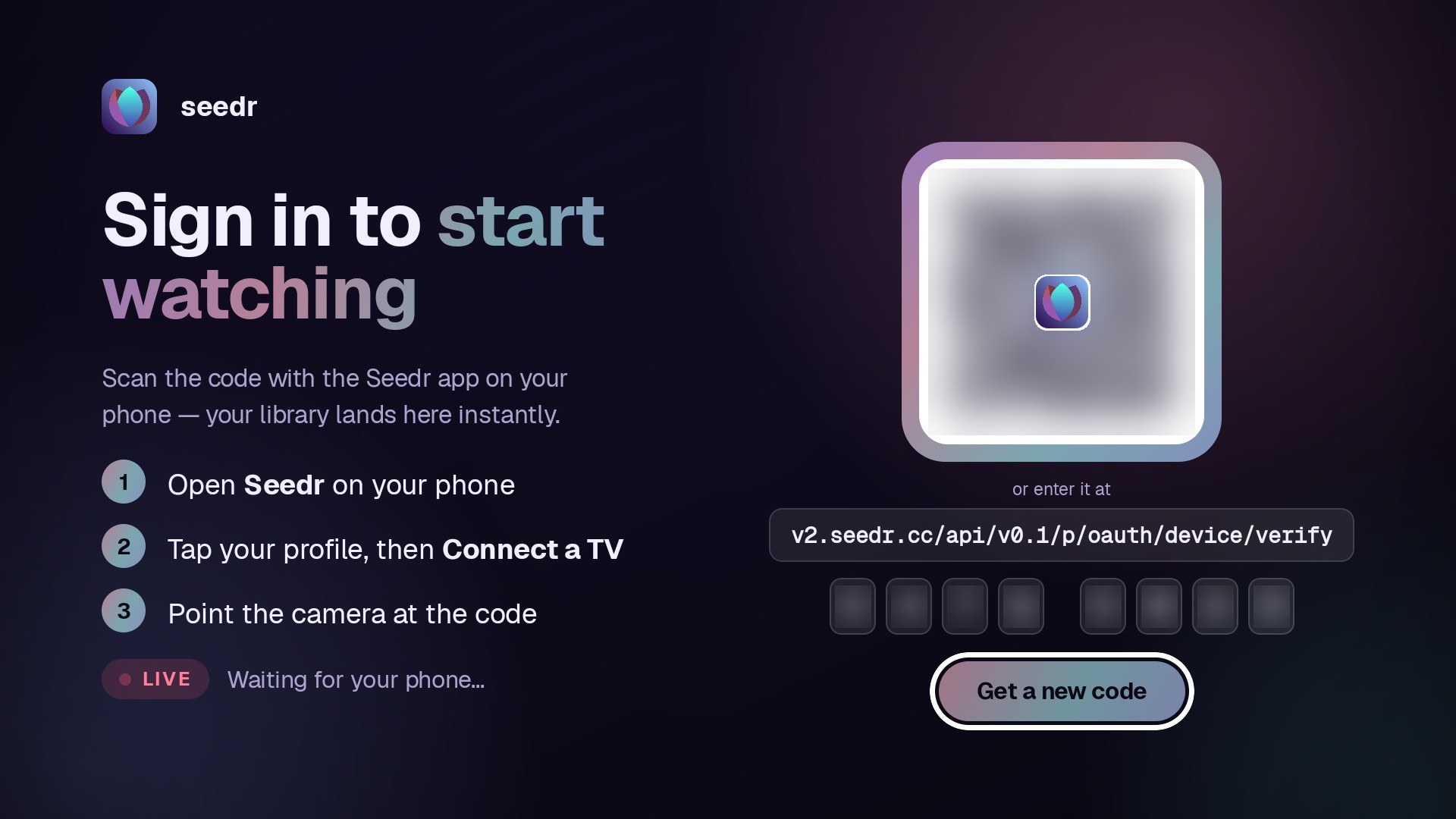
From there, it's your Seedr library on the big screen.
Get the app
Install or update Seedr from Google Play and sign in with your existing account. On a TV, whether the app shows up depends on the model, so if you can't find it on yours, send us the model name. Something you use on the web is missing, or something doesn't work the way you expect? Tell us at support@seedr.cc.
Was this article helpful?
Related Articles
How to choose a music player for Android when the music is your own
Decide by where your music lives and how much room your phone has, then check the features that matter.
Is Seedr right for you? What it does and its limits
What Seedr does, which plan covers what, and what to know before you start: storage, streaming quality, TV apps, FTP and WebDAV, connected clouds.
Seedr glossary: cloud downloading terms explained
Plain definitions of cloud downloading terms, from remote downloads and magnet links to WebDAV, FTP, TV playback and seeding limits, with links to Seedr Help.