How to choose a music player for Android when the music is your own
Your albums, your rips, the recordings you can't find on any streaming service: they deserve a player that makes them easy to enjoy, without filling up your phone.
A typical "best music player" list gives you a dozen or more apps and leaves the choice to you. A quicker way is to start from two questions: where does your music live, and how much room does your phone have? The answers narrow the field to one kind of player, and then a short feature check does the rest.
Start with where your music lives
On your phone. If the whole collection already fits on the phone, a local music player is the simplest choice. Everything plays without a connection, and you pick the app by how it organizes files and how it sounds. Android Authority's January 2026 roundup lists fifteen of them.
On a home server or NAS. If your library sits on a computer or NAS that runs a media server, use that server's own client app. Android Authority's list includes clients such as Plexamp and Symfonium for this setup. It works well, but the machine at home has to stay on and reachable.
In cloud storage. If your files live in the cloud, so you can reach them from any device, you need either a player app that reads from your cloud account or a cloud service with a player built in. The second option skips one app and one login: you open the file where it is stored, and it plays.
Nowhere in particular. If you don't need the files themselves and just want to hear music, a streaming service covers that. This guide is for the other case, when the files matter to you.
How much room does your phone have?
A big lossless library doesn't fit comfortably on many phones, especially ones without a memory card slot. You don't have to choose between "everything on the phone" and "nothing on the phone", though. Keep the full library in the cloud and download only what you want offline, like a few albums for a flight or a commute. When you're back on Wi-Fi, the rest of the collection is still there to stream.
So before you pick a player, check whether it lets you keep a file for offline listening and remove it later without losing the original.
Features worth checking
Try any player with your own files first. These are the things that decide whether you'll still like it a month later:
Your formats. Make sure it plays what you actually have, MP3, AAC, FLAC or WAV. Test a few of your own files, especially lossless ones.
Folders or tags. Some players build the library from artist and album tags; others let you browse folders. If your tags are messy or you've arranged music in folders for years, folder browsing saves a lot of frustration.
Offline listening. See above: can you keep chosen tracks on the phone?
Playback in the background. Music should keep playing with the screen locked and while you use other apps, with controls on the lock screen.
Sound controls. An equalizer with presets helps with headphones that are too bright or too bass-heavy.
Speed and sleep timer. Useful for audiobooks, lectures and falling asleep to music.
Ads and price model. Check what the free version includes and what needs a purchase or subscription. A long feature list matters less than the one feature you use every day.
Where Seedr fits
Seedr is cloud storage with a player built in, so it fits the "music in the cloud" case. Your files sit in your Seedr library, and you play them in the browser, in the Seedr Android app or on your TV, from the same library.
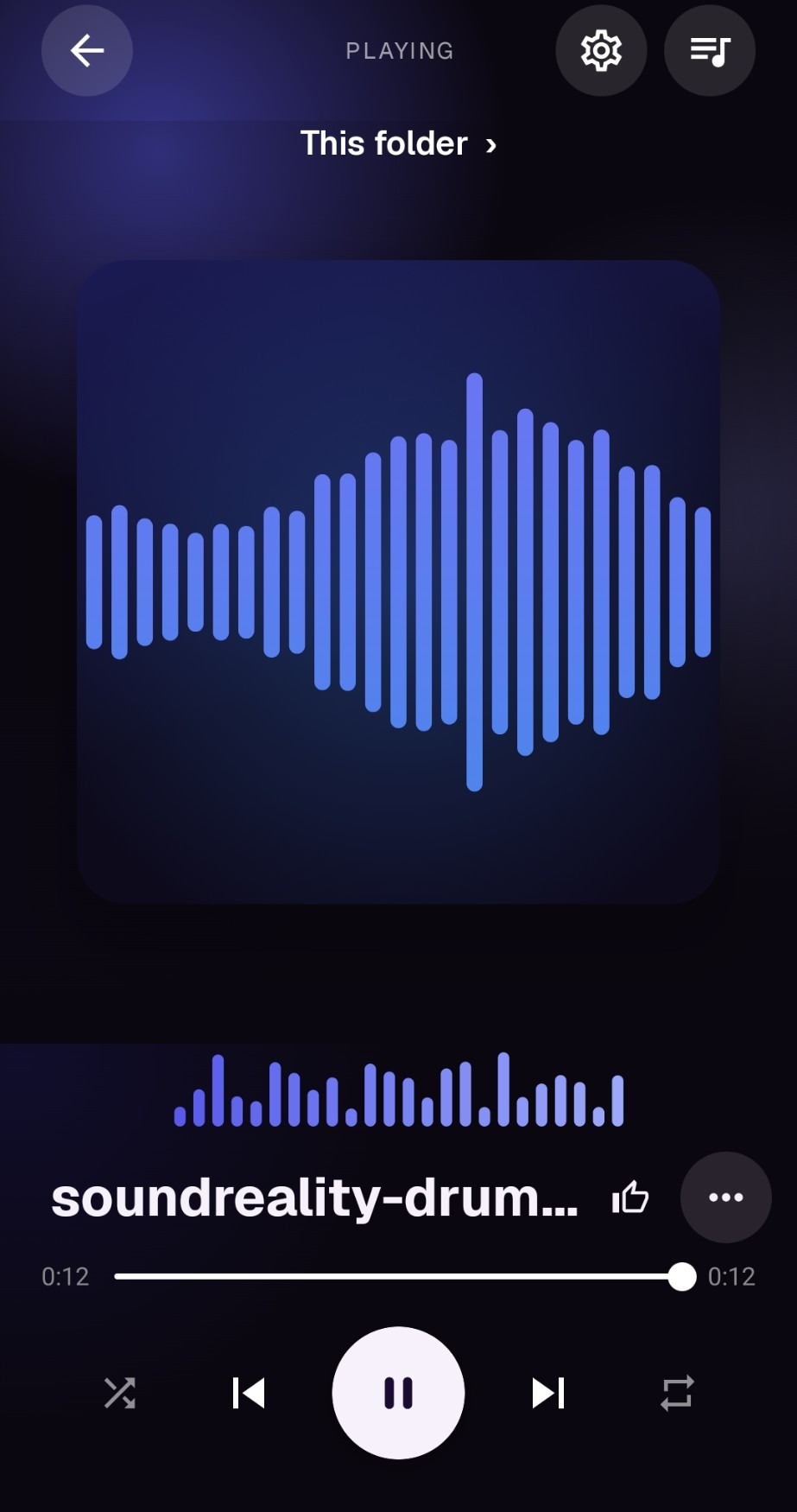
In the Android app, audio opens in a player made for listening:
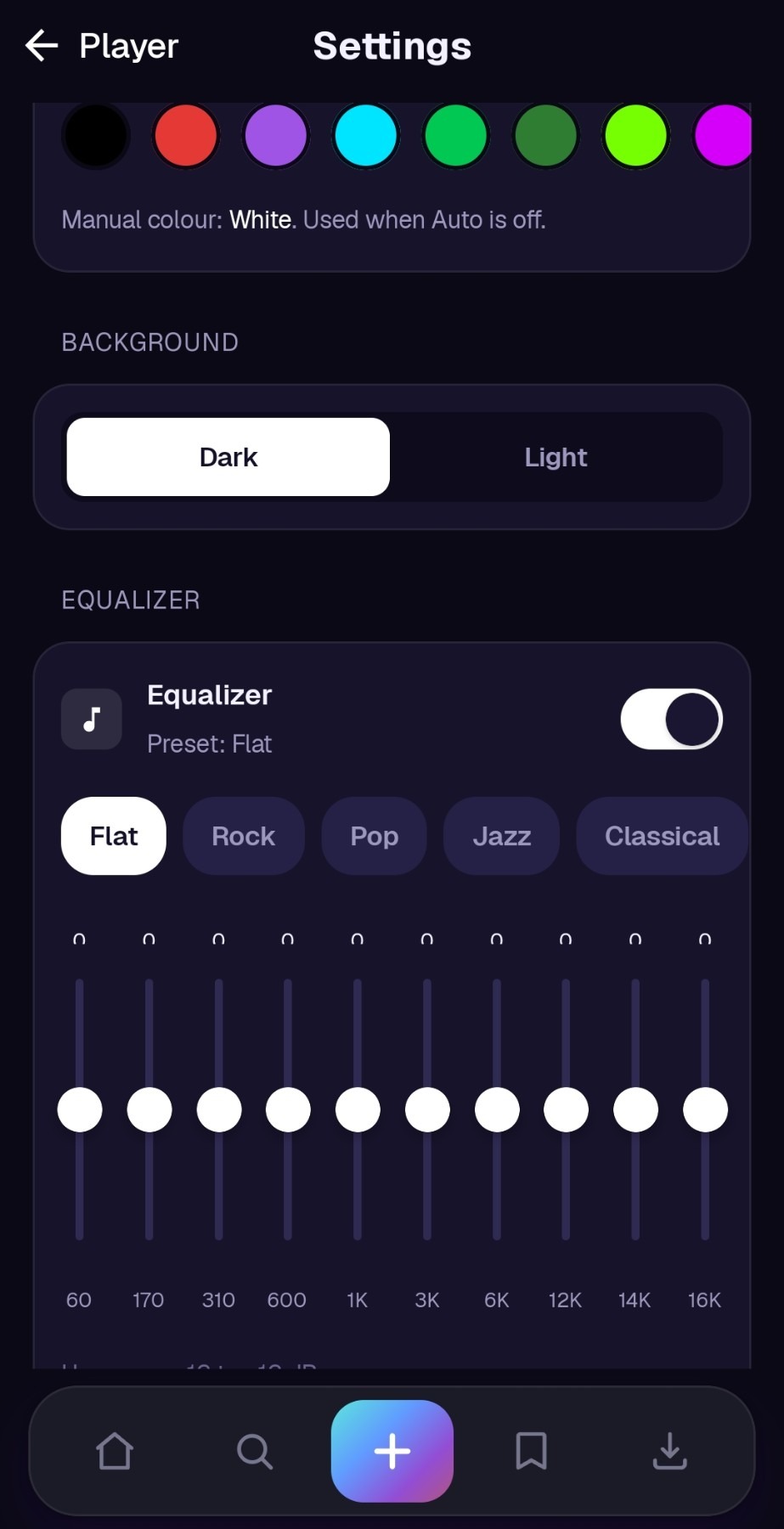
pick a player theme (Spectrum, Neon Wave, Immersive or Aurora), let the accent color follow each file's cover art, and choose a dark or light background;
tune the sound with a 10-band equalizer and presets, plus bass boost, virtualizer and loudness;
set a playback speed from 0.5x to 2x and a sleep timer that can stop at the end of a track;
play through a folder, with shuffle and repeat.
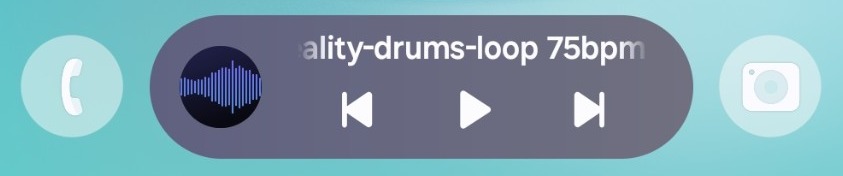
Music keeps playing when you lock the screen, and the lock screen shows the track with previous, play and next buttons.
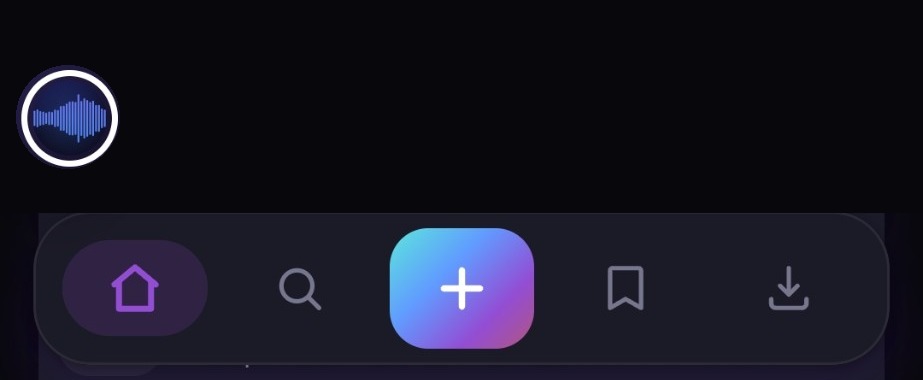
If you go back to your library while a track plays, a small round mini-player stays on screen, so you can browse and listen at the same time.
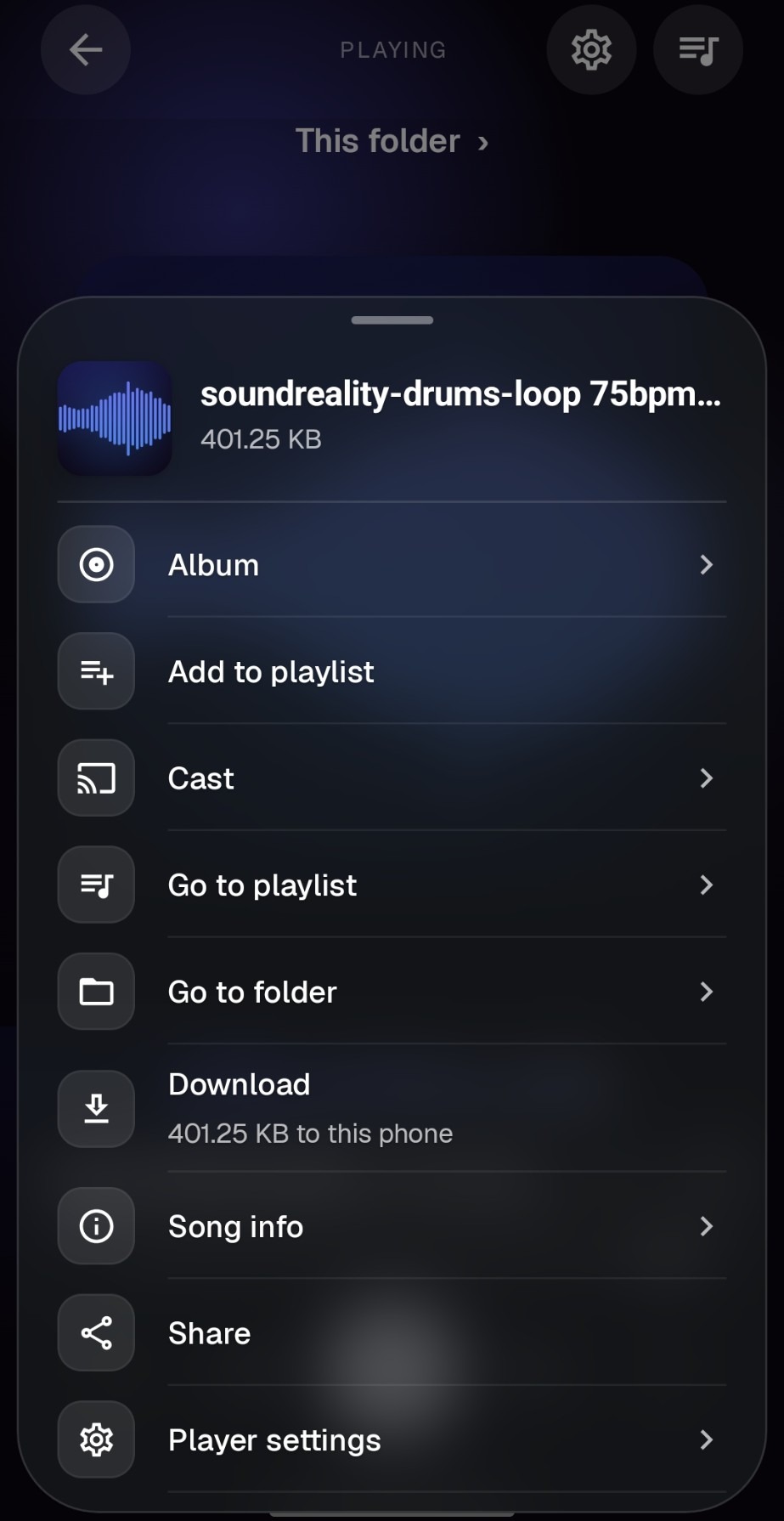
For a trip without a connection, open the track's menu and download it to the phone. Offline downloads are free. The original stays in your cloud library, so removing the offline copy later doesn't delete anything.
Seedr organizes music by folders rather than by artist and album tags, so it suits a collection you keep in folders.
How much music you can keep depends on your plan. The free plan's 2 GB holds a few albums; a real library needs more room. See current plans and storage.
✦ More space for your music ★ 零风险 · 7 天退款保证 · 随时取消
When something else is the better pick
Seedr isn't the right answer for every collection:
You listen offline almost all the time and the library fits on your phone. A local player is simpler.
You want your own Spotify: browsing by artist and album, carefully tagged metadata, smart playlists. A dedicated music server with a good client is built for that.
You already run a media server on a NAS. Use its client rather than keeping a second copy in the cloud.
You only want to listen, not keep files. A streaming service is enough.
If your music lives in the cloud, or you'd like it to, and you want to listen on your phone, computer and TV from one library, that's the case Seedr is made for. More on the player itself: Seedr's audio player. Need a smaller listening copy of a FLAC album? See how to convert FLAC to MP3.
这篇文章对您有帮助吗?
相关文章
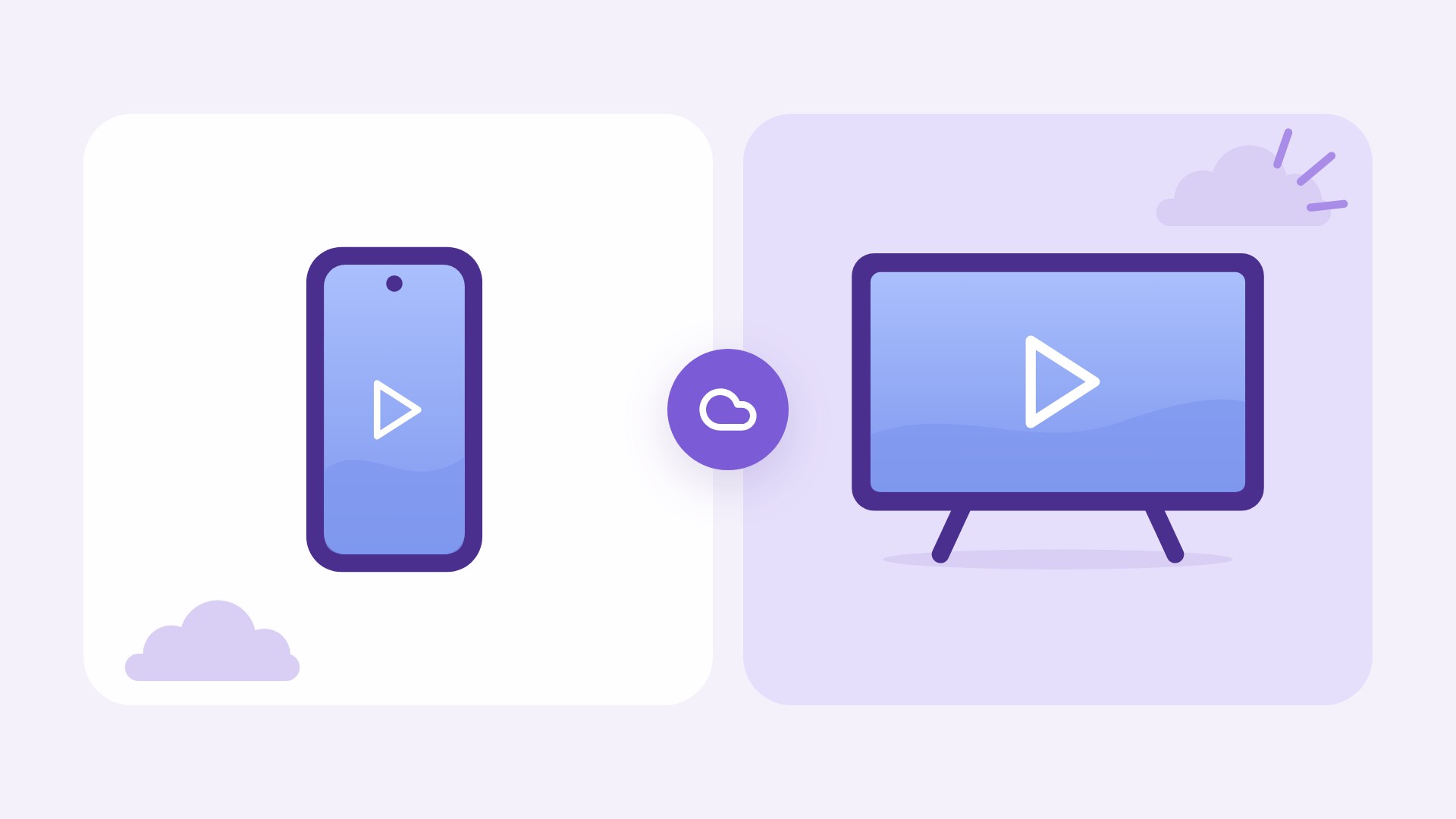
The new Seedr Android app: your library on your phone and your TV
The upgraded Seedr Android app brings Seedr V2 to your phone and TV: add links, play video and audio in the built-in media player, and sign in on your TV with a QR code.
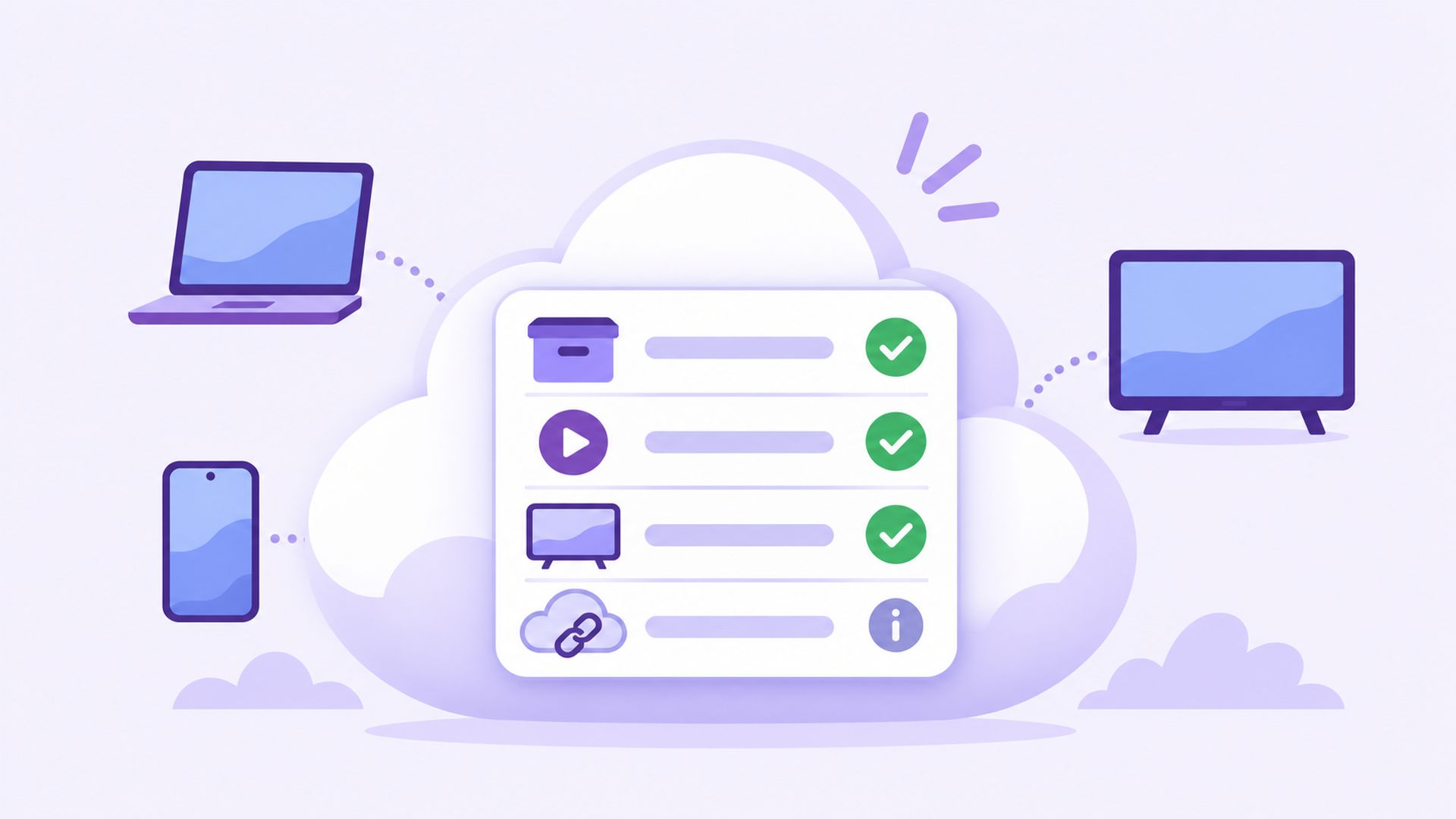
Is Seedr right for you? What it does and its limits
What Seedr does, which plan covers what, and what to know before you start: storage, streaming quality, TV apps, FTP and WebDAV, connected clouds.
Seedr glossary: cloud downloading terms explained
Plain definitions of cloud downloading terms, from remote downloads and magnet links to WebDAV, FTP, TV playback and seeding limits, with links to Seedr Help.