What's new for your files in Seedr, October 2026
Seedr now does more with the files you already have. Here is what is new in the file details panel, in the add-link box and in your folders.
A Tools tab for your files
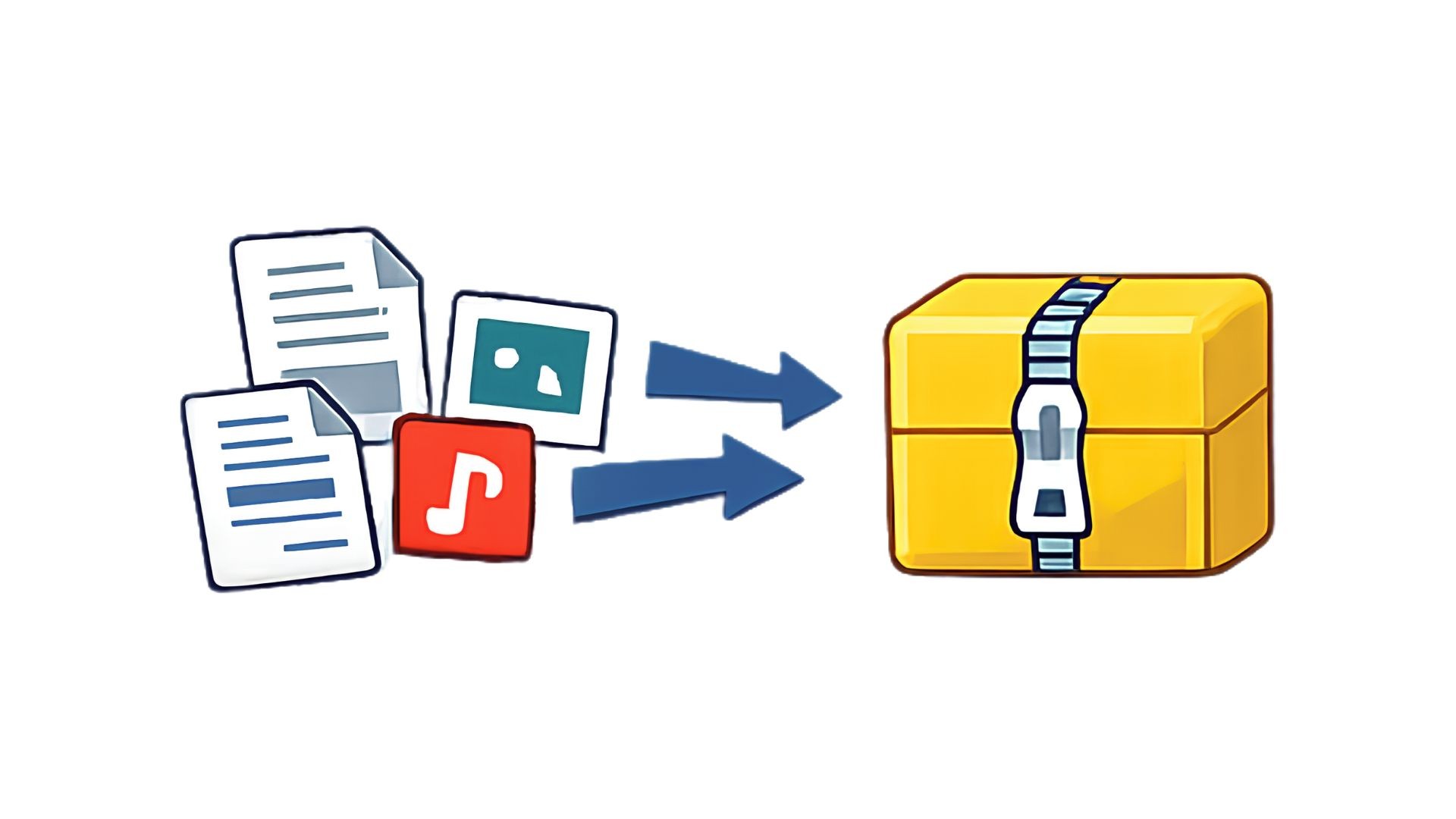
Open the details of a file and you will find a Tools tab. Use it to convert video, audio and images to another format, to extract an archive into your storage, or to create an archive from your files.
The Tools tab is part of paid plans, and it is open to every account for free until 21 October.
Tags and metadata for your files
The file details panel now has a card with the information embedded in a file: photo details (camera, exposure and location), music tags (album, genre, year) and the duration of audio and video.
Save to a folder when you add a link
When you add a link, you can now choose the folder to save the file to. New files land where you want them instead of the top level of your storage.
Folder moves keep folders whole
Renaming, moving or copying a folder is now done as one step, so a folder can no longer end up split in two if something is interrupted (13 October).
Easier on your phone
On phones, dialogs are more compact, long menus now scroll, and buttons are harder to tap by accident. Document scanning, which turns photos from your phone camera into a PDF from the + menu, now adds each photo once and shows a working preview (4 to 13 October).
A much faster files page
The files page was rebuilt for big folders: smooth scrolling, instant selection and no blank rows while you scroll.
Need help?
Something not working for you? Write to support@seedr.cc.
क्या यह लेख मददगार था?
संबंधित लेख

What's new for cloud storage, apps and your account in Seedr, October 2026
External storage from the + menu, Google Drive folders, cloud transfers that resume and retry, cloud conversions, your signed-in devices and new languages.
What's new in Seedr downloads, October 2026
HTTP/3 downloads tuned for speed, downloads that no longer get stuck, clearer tracker messages, more supported link sites and smaller fixes.

What's new in Seedr video: playback and conversion, October 2026
More videos convert, surround and lossless audio now converts with sound, more supported formats, and smoother playback on iPhone and Safari.